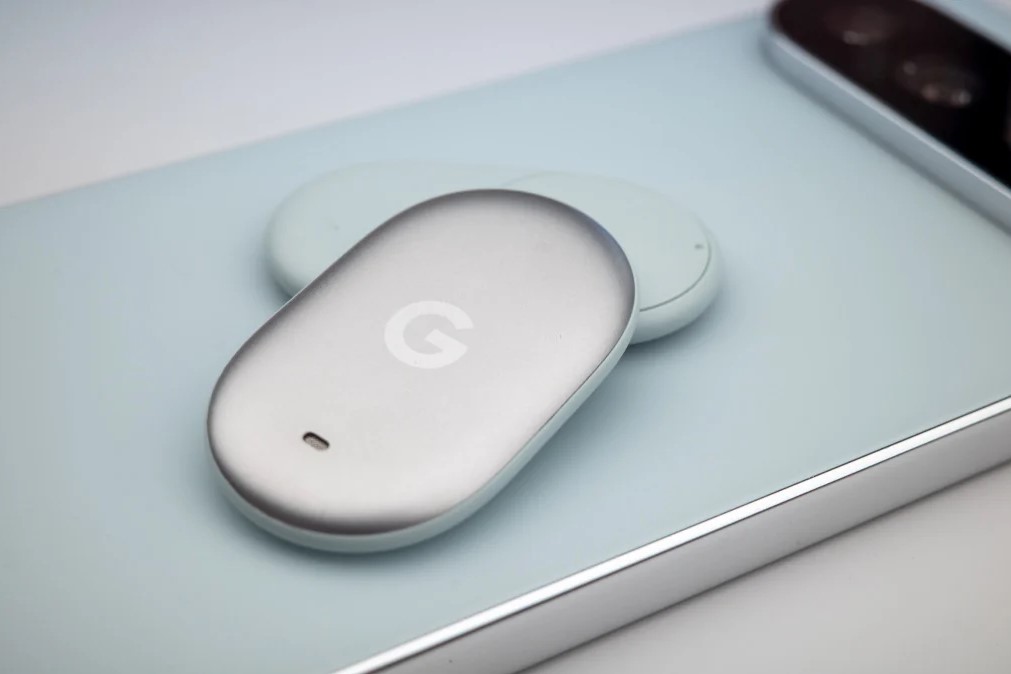
The Google Pixel Tag is a small, dependable Android tracker, slim and lightweight. Its battery lasts around a year, but even when it finally runs out, replacing it is very straightforward.
The Pixel Tag uses a CR2032 coin cell battery. These batteries are inexpensive and widely available, and they power many watches and other trackers. It is worth picking up a few spares.
Replacing the battery, step by step
The Pixel Tag’s smooth, rounded shape makes it prone to slipping from your grip. Trying to open it with one hand can easily send the back plate flying. It is best to hold the tag firmly in one hand, with your thumb resting on the base or the middle frame to keep it steady. Then, using the thumb of your other hand, turn the back plate anticlockwise.
Keep steady pressure on it as you turn. Because the factory seal is tight, the first opening is usually the hardest. Once the back plate loosens, the old battery should come out easily. After that first time, future replacements become much simpler.
Place the new CR2032 battery in, making sure it lies flat in the compartment and is facing the correct way. Then turn the back plate back into position until it is fully seated and closed.
Once everything is back together, open the Find Hub app on your phone. The tag should reconnect. If it still does not appear, open the tag again, refit the battery so that it sits completely snug, and close the back plate firmly. Even with the original battery, reassembly can sometimes knock it out of position.
Once you have mastered the two-handed twist, replacing the Pixel Tag’s battery is very simple. A few careful seconds of turning, and your tracker is ready to carry on finding your keys, your bags, and anything else you have attached it to.