If you have a Sanyo Xacti digital camera that has been sitting unused in a drawer for a long time, or if it is starting to run sluggishly, do not worry. Compact, portable and often waterproof, these cameras are ideal for casual photography and video recording. However, time takes its toll, and battery wear, dust and general ageing can all cause your camera to slow down.
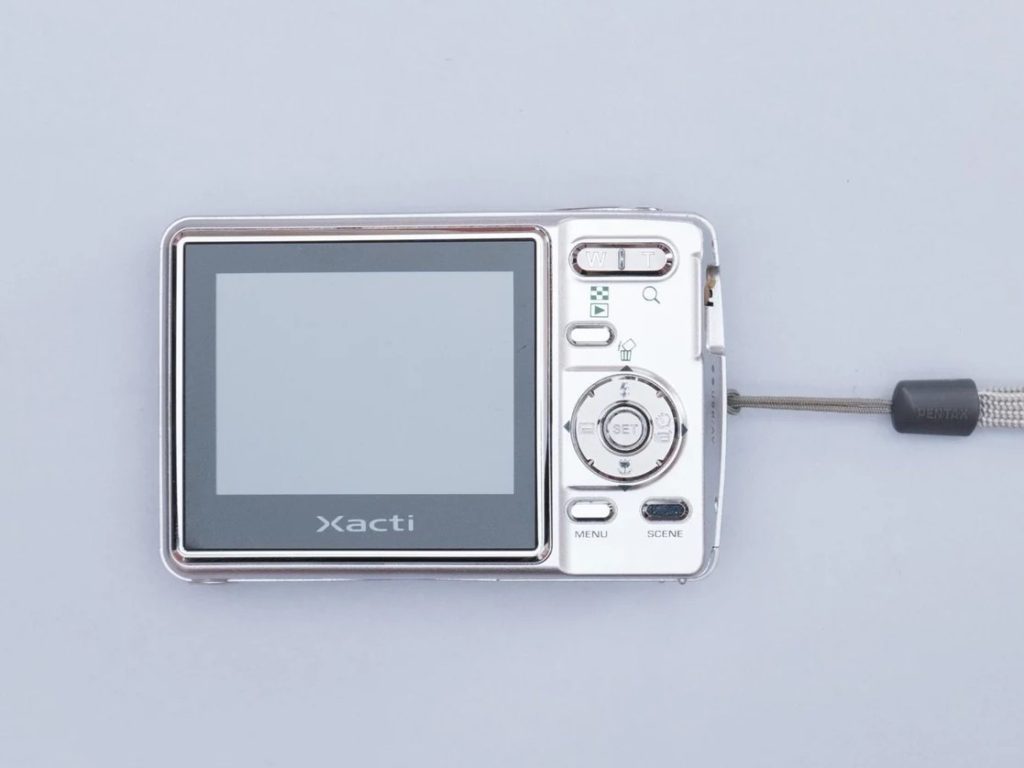
The good news is that many performance issues can be fixed at home without having to send the camera off for repair.
Signs That Your Sanyo Xacti Needs Repair or Maintenance
Keep an eye out for the following warning signs. Spotting these problems early can prevent your camera from suffering more serious faults.
- Won’t turn on or shuts down unexpectedly. This is usually caused by a flat battery or incorrect installation. If the battery overheats, you might also see a temperature warning icon.
- Unusually short battery life. If a fully charged battery goes flat after just a few minutes of use, the battery cells have degraded.
- Empty battery icon that will not clear. This may indicate dirty contacts, an incorrectly fitted battery or a faulty battery pack. A firmware glitch or an expiring internal backup battery (the one that stores date and time settings) could also be the culprit.
- Blurry photos, focus issues or a sluggish lens. Dust, moisture (especially on waterproof models) or ageing mechanical components are usually to blame.
- Error messages like “System Error”, a blank or flickering LCD, or an inverted display. These usually point to a loose or damaged ribbon cable connecting the screen, or the device may simply need its battery and memory card reseating.
- Unresponsive buttons, overheating, or settings resetting every time the main battery is removed. The latter almost always indicates that the internal backup battery has failed.
If basic cleaning and replacing the battery do not solve the problem, a professional repair might be the next step. Official support from Sanyo ended long ago, so independent repair shops or online enthusiast communities are your best bet.
How to Replace the Battery
Most Xacti models (such as the VPC-CA, VPC-HD and CG series) use dedicated rechargeable lithium-ion battery packs. Some older still-camera models take standard AA batteries. Always make sure the replacement battery model matches the one printed on your camera or original battery.
Here is a quick step-by-step guide to replacing it:
- Switch off the camera completely and remove any memory cards.
- Locate the battery compartment, usually on the bottom or side of the camera. Carefully slide or flip open the latch.
- Note the orientation of the old battery before removing it gently. If the contacts look dirty or corroded, clean them with a soft, dry cloth or a cotton swab lightly dampened with isopropyl alcohol, then allow them to dry completely.
- Insert the new battery in the same orientation, ensuring it clicks or fits securely into place, then close the cover firmly.
Quick Tips to Boost Performance
Clean the lens and LCD screen with a microfibre cloth. If you need to format your SD card, do it directly within the camera menu. When storing your Xacti, keep it in a cool, dry place away from high temperatures. If the camera is still running sluggishly, try a hard reset: remove the battery for 15 to 20 minutes before putting everything back together.