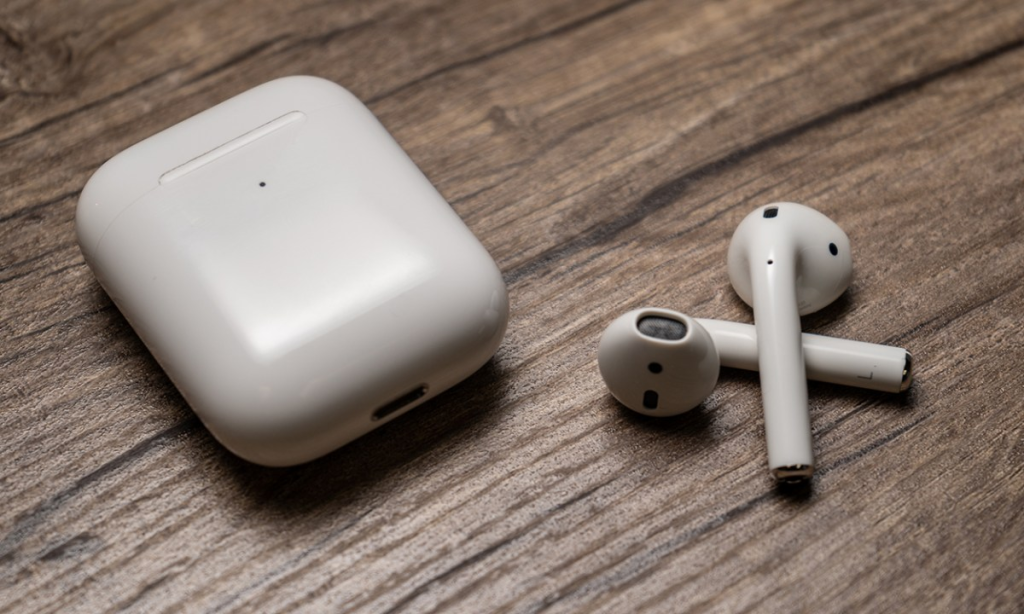
Apple’s upcoming iOS 26 update introduces several new features for AirPods. These features are currently available in the developer beta, which includes functionality enhancements focused on audio control, camera integration, and call quality.
You can install the latest iOS 26 beta and gain access to the new AirPods features today. However, keep in mind that this is beta software intended for developers, so it may contain bugs and unexpected issues. If something goes wrong, you won’t be able to downgrade your OS version on your own — you’ll need to visit an Apple Store for assistance.
New AirPods Features in iOS 26
Pause Audio for Sleep: AirPods can detect when the user falls asleep and automatically pause audio.
- Settings ➝ [Your Name]’s AirPods ➝ Pause Media When Falling Asleep
Camera Remote: AirPods can now serve as a remote for the iPhone or iPad Camera app. Press and hold the stem to take a photo or start video recording.
- Settings ➝ [Your Name]’s AirPods ➝ Camera Remote
Keep Audio in Headphones: Audio will remain in the AirPods when the iPhone connects to other playback devices like cars or speakers.
- Settings ➝ General ➝ AirPlay & Continuity ➝ Keep Audio with Headphones
Improved Call Quality: AirPods 4 and AirPods Pro 2, powered by the H2 chip, now offer enhanced vocal clarity and texture in phone calls, FaceTime, and supported apps like Zoom.
How to Access the New Features
1. Install iOS 26 Beta
To use these features, your device must be running iOS 26 beta or iPadOS 26 beta. Developer betas are available now, and a public beta is expected later in July. Non-developers can also download the beta for free, though installing it on a primary device is not recommended due to stability risks.
2. Install AirPods Beta Firmware
Once your device is on the beta OS:
- Connect your AirPods to the iPhone or iPad.
- Go to Settings ➝ [Your Name]’s AirPods ➝ AirPods Beta Updates.
- Enable beta firmware updates.
The firmware will install automatically when the AirPods are in their charging case and near the paired device. The process may take several minutes.