If your Panasonic CF-FV1 battery fails to charge or your laptop keeps shutting down frequently, replacing the battery is the ultimate solution. This lightweight laptop features a user-replaceable external battery, making the replacement process incredibly straightforward as long as you prioritize safety.
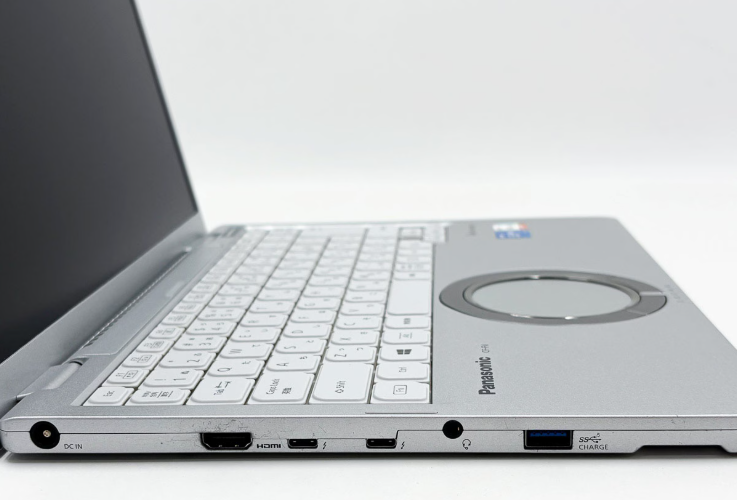
Compatible Replacement Batteries for Panasonic CF-FV1
- Model: CF-VZSU1QJS or CF-VZSU1SJS
- Specifications: 56 Wh, 11.55 V
Step-by-Step Guide
- Shut down the laptop completely, close the lid, and disconnect the charger.
- Place the laptop face down on a soft, protective surface.
- Locate the battery and find the release latches on the bottom, which are marked with “Lock/Unlock” indicators.
- Slide the latches to the unlock position, then gently slide out the old battery.
- Align the new battery and insert it firmly until you hear it click into place.
- Slide the latches back into the locked position and give the battery a gentle tug to ensure it is secure.
- Flip the laptop back over, reconnect the power supply, and turn it on. Go to Windows Settings > System > Power & battery to verify the new battery status. If necessary, perform one full charge and discharge cycle to calibrate it.
Once the new battery is installed, your CF-FV1 will regain its excellent portability, allowing you to enjoy the same reliable convenience for years to come. Handle it with care, and enjoy the refreshed performance of your laptop.