If your Lenovo Chromebook S345-14AST is no longer holding a charge like it used to, replacing the battery is a practical solution. However, searching for a replacement can be confusing, as you will likely come across three very similar part numbers: L18D3PG2, L18M3PG2, or L18L3PG2.
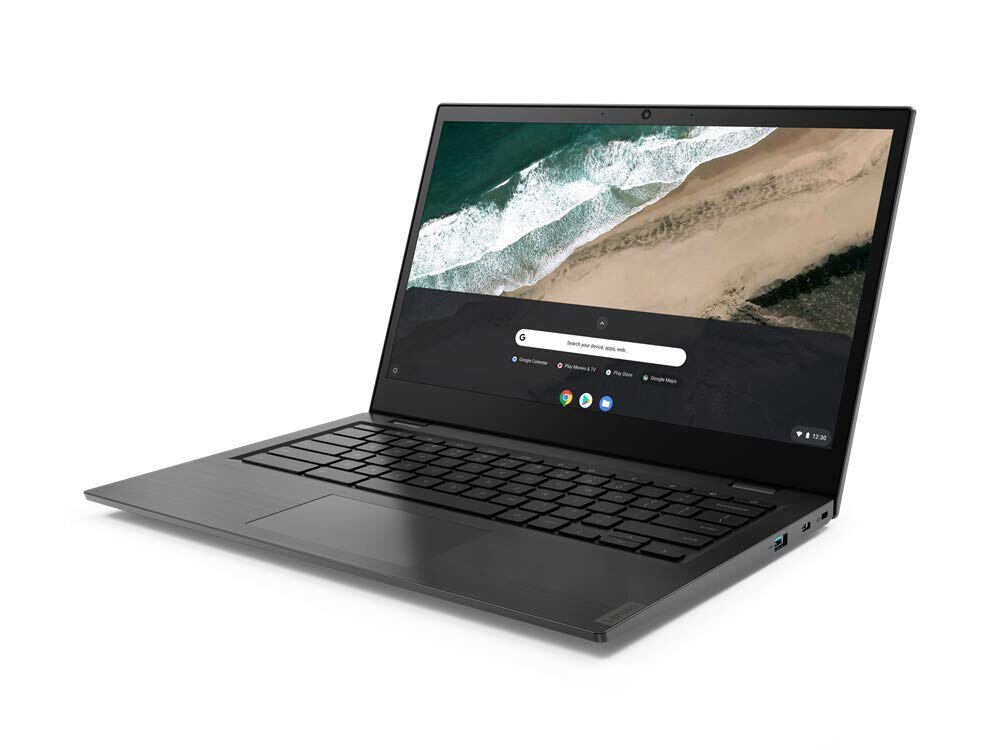
Which part number should you choose?
Decoding the Part Numbers
In reality, these batteries are completely identical in terms of performance. All three options are 3-cell lithium-ion batteries designed specifically for the S345-14AST. They share a total capacity of around 57Wh and a nominal voltage of approximately 11.5V, meaning they are built for the exact same chassis.
The only difference lies in the middle letter (D, M, or L). This code indicates the Original Equipment Manufacturer (OEM) that produced the battery cells for Lenovo’s production line. Lenovo relies on this multi-vendor strategy to ensure supply chain stability. If one factory experiences a shortage, another can immediately step in to fill the gap.
The Crucial Difference: Cable Length
While these three models share identical technical specifications, they all come in both “long cable” and “short cable” versions.
Important: When purchasing a replacement battery, you must check the cable length of your original battery first. The new cable must match the exact length of the one already inside your laptop.
A mismatched cable can lead to installation issues, put excessive strain on the connector, or cause an unstable power supply.
Quick Replacement Instructions
The battery in the Chromebook S345-14AST is user-replaceable.
- Installation: Carefully open the chassis and swap out the old battery while avoiding any static discharge.
- Calibration: After installing the new battery, fully charge it first. Then, complete at least one full discharge and recharge cycle to help ChromeOS accurately calibrate the battery level indicator.
Conclusion
By understanding these differences, especially the cable length, you can confidently choose the right battery and restore your Chromebook’s all-day performance while avoiding compatibility issues. No matter whether your current battery label says L18D3PG2, L18M3PG2, or L18L3PG2, choosing a properly matched replacement will bring your device back to reliable health.