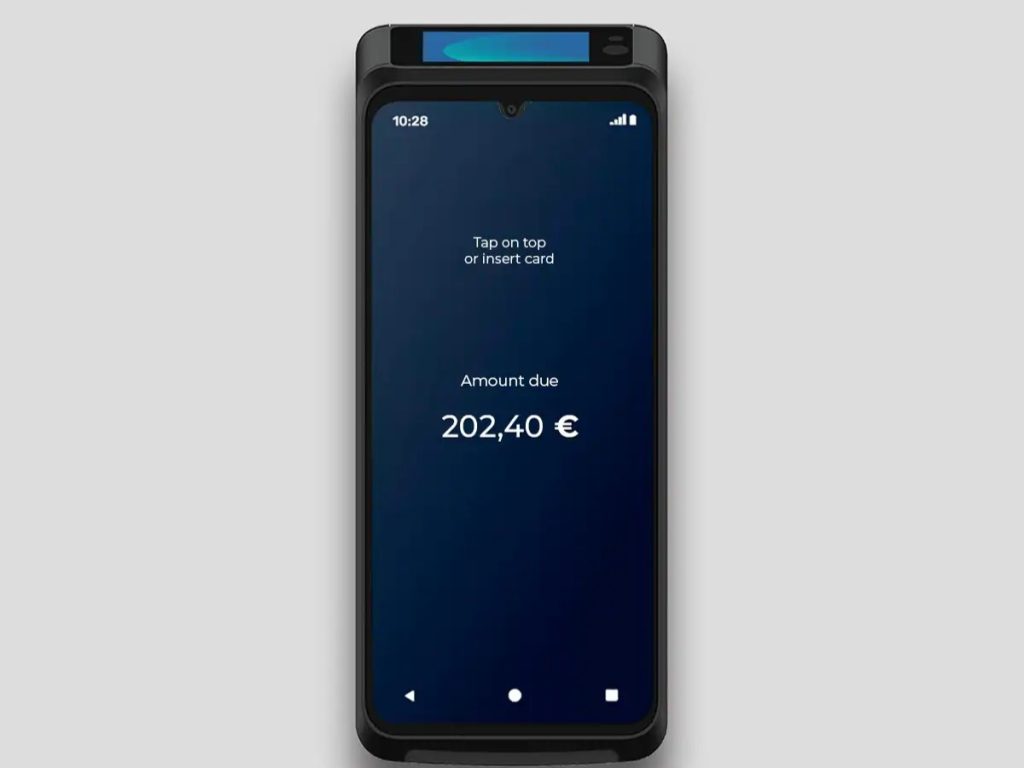
The Castles Technology S1E2 SmartPOS terminal is a compact device that is highly convenient for mobile transactions. However, like all battery-powered devices, its lithium-ion battery pack will eventually age, leading to rapid power drain, unexpected shutdowns, or a failure to charge.
Signs Your S1E2 Battery Needs Replacement
- The device shuts down suddenly even when the battery level appears normal.
- Charging takes an unusually long time or the LED indicator behaves abnormally.
- The battery swells or overheats significantly during use or charging.
- The overall runtime is noticeably reduced.
Warning: Never ignore these signs. Continuing to use a failing lithium-ion battery can pose a safety hazard.
Step-by-Step Guide: How to Safely Replace the Battery
- Power Off and Prepare: Turn off the S1E2 device completely. Have a compatible replacement battery, a soft cloth, and a plastic pry tool ready.
- Remove the Battery Cover: Flip the device over to locate the rechargeable battery cover on the back. Gently slide or lift the cover depending on the design of your specific unit.
- Remove the Old Battery: Carefully grasp the edges of the old battery to lift it out. Check the battery compartment for any debris and clean it gently if necessary.
- Install the New Battery: Align the contacts of the new battery correctly and slide it into place until it is firmly seated. Double-check that it is facing the right direction.
- Replace the Battery Cover: Snap or slide the battery cover securely back into place.
- Power On and Test: Fully charge the device using an official 5V/2A power adapter. Observe the LED indicator and test the device to confirm its runtime and functionality.
Maintenance Tips to Extend Battery Life
- Keep the charge level between 20% and 80% whenever possible and avoid draining the battery completely.
- Maintain operating and charging temperatures within the safe range of 0°C to 45°C.
- Regularly update the device firmware to benefit from optimized power management.
- Store any spare batteries in a cool, dry place away from direct sunlight.
Conclusion
Replacing the battery yourself can save both downtime and money. However, if you are unsure about the process or if the device exhibits other technical issues, please contact Castles customer support or your service provider. A fresh battery will ensure your S1E2 runs reliably throughout a busy merchant business day.