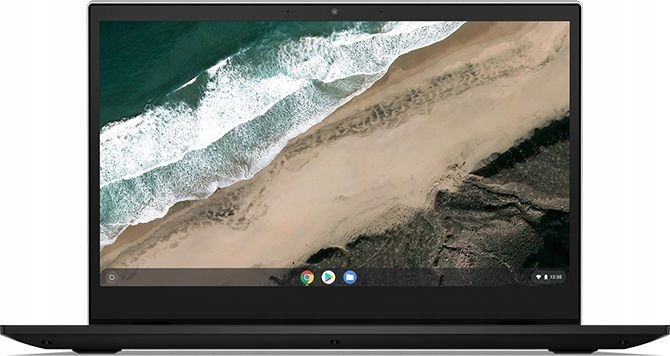
Released around 2019, the Lenovo Chromebook S345-14AST targeted budget-conscious users. It delivers solid performance for web browsing, video streaming, and light productivity tasks, offering a battery life of up to 10 hours.
Battery Degradation and Replacement
By 2026, roughly seven years after its release, this generation of Chromebooks experiences significant battery degradation. Users commonly report a noticeable drop in battery capacity, resulting in shorter unplugged usage times and more frequent charging.
A compatible replacement battery (model L18D3PG2) costs between £40 and £70. Since the battery sits right behind the bottom panel, tech-savvy users can easily replace it themselves using basic tools.
Successfully replacing the battery restores its original runtime. This allows users to keep utilizing the laptop, which remains backed by official Auto Update Support until June 2029.
Performance vs. Cost Considerations
However, performance limitations are often a bigger bottleneck than battery life alone. The aging dual-core CPU and 4GB of onboard RAM struggle with today’s demanding web applications, heavy multi-tab browsing, and video calls. A new battery will not resolve these hardware limitations.
In 2026, entry-level Chromebooks are priced between €150 and €300. Modern models feature faster processors, typically 8GB of RAM, sharper displays, and superior battery life right out of the box. They also come with a fresh warranty and offer seamless compatibility with current software demands.
Conclusion
Ultimately, the right choice depends on your specific usage and the overall condition of the device.
- The Budget Fix: For light users who just want to regain portability and face no other hardware issues, a battery replacement is a cost-effective stopgap to extend the laptop’s life until 2029.
- The Upgrade Path: For those dealing with frequent lag or simply wanting a smoother, snappier experience, upgrading to a new Chromebook is the ideal path forward.